Git - the simple guide [1]
Submitted by uday [2] on May 10, 2017 - 8:53pmBasic Commands
https://rogerdudler.github.io/git-guide/ [3]
Pro-git book
https://git-scm.com/book/en/v2 [4]
Branching model
https://nvie.com/posts/a-successful-git-branching-model/ [5]
also read about: Trunk based branching
https://trunkbaseddevelopment.com [6]
Visual Guide
https://rachelcarmena.github.io/2018/12/12/how-to-teach-git.html [7]
Git doesn’t store data as a series of changesets or differences, but instead as a series of snapshots.
When you make a commit, Git stores a commit object that contains a pointer to the snapshot of the content you staged. This object also contains the author’s name and email address, the message that you typed, and pointers to the commit or commits that directly came before this commit (its parent or parents): zero parents for the initial commit, one parent for a normal commit, and multiple parents for a commit that results from a merge of two or more branches.
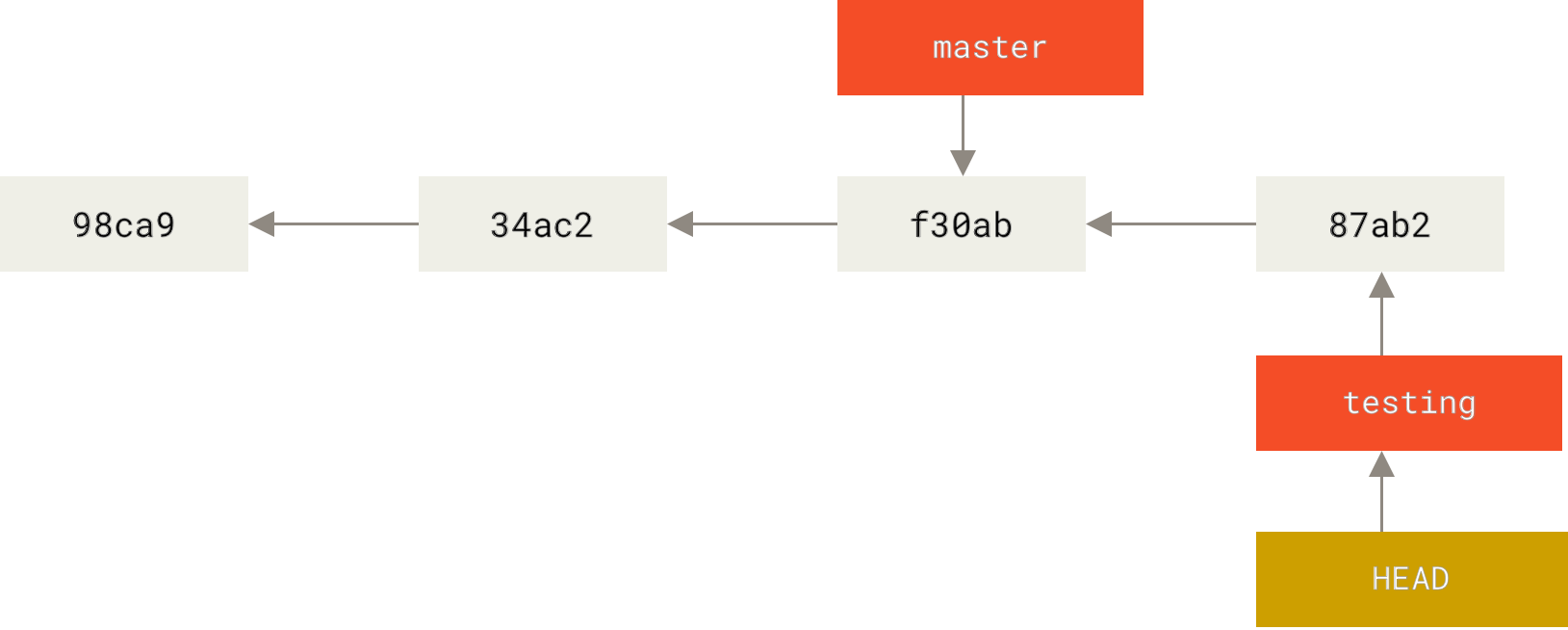
A branch in Git is simply a lightweight movable pointer to one of these commits. The default branch name in Git is master. (git init command creates it by default and most people don’t bother to change it.) As you start making commits, you’re given a master branch that points to the last commit you made. Every time you commit, the master branch pointer moves forward automatically.
Because a branch in Git is actually a simple file that contains the 40 character SHA-1 checksum of the commit it points to, branches are cheap to create and destroy. Creating a new branch is as quick and simple as writing 41 bytes to a file (40 characters and a newline). Also, because we’re recording the parents when we commit, finding a proper merge base for merging is automatically done for us and is generally very easy to do.